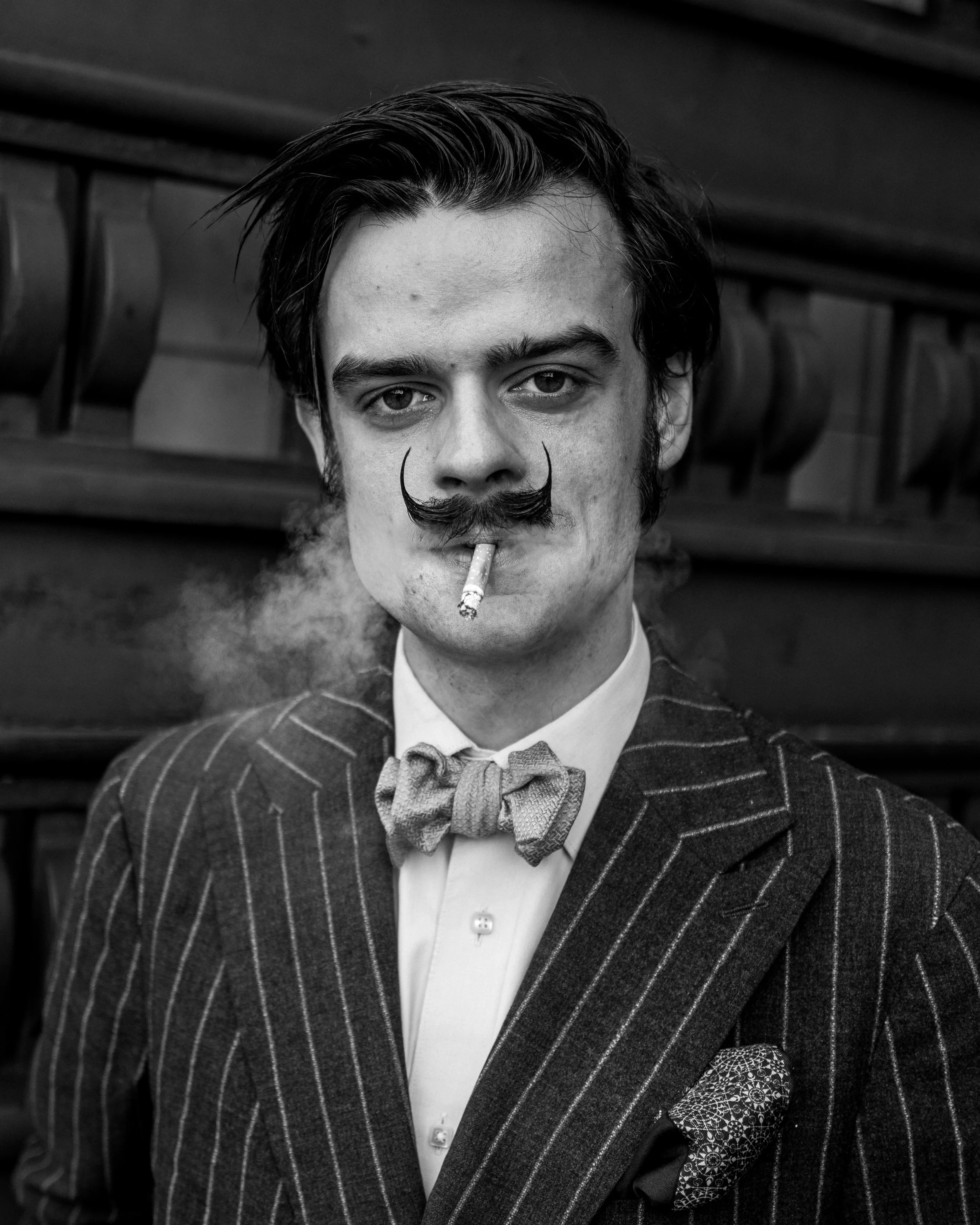

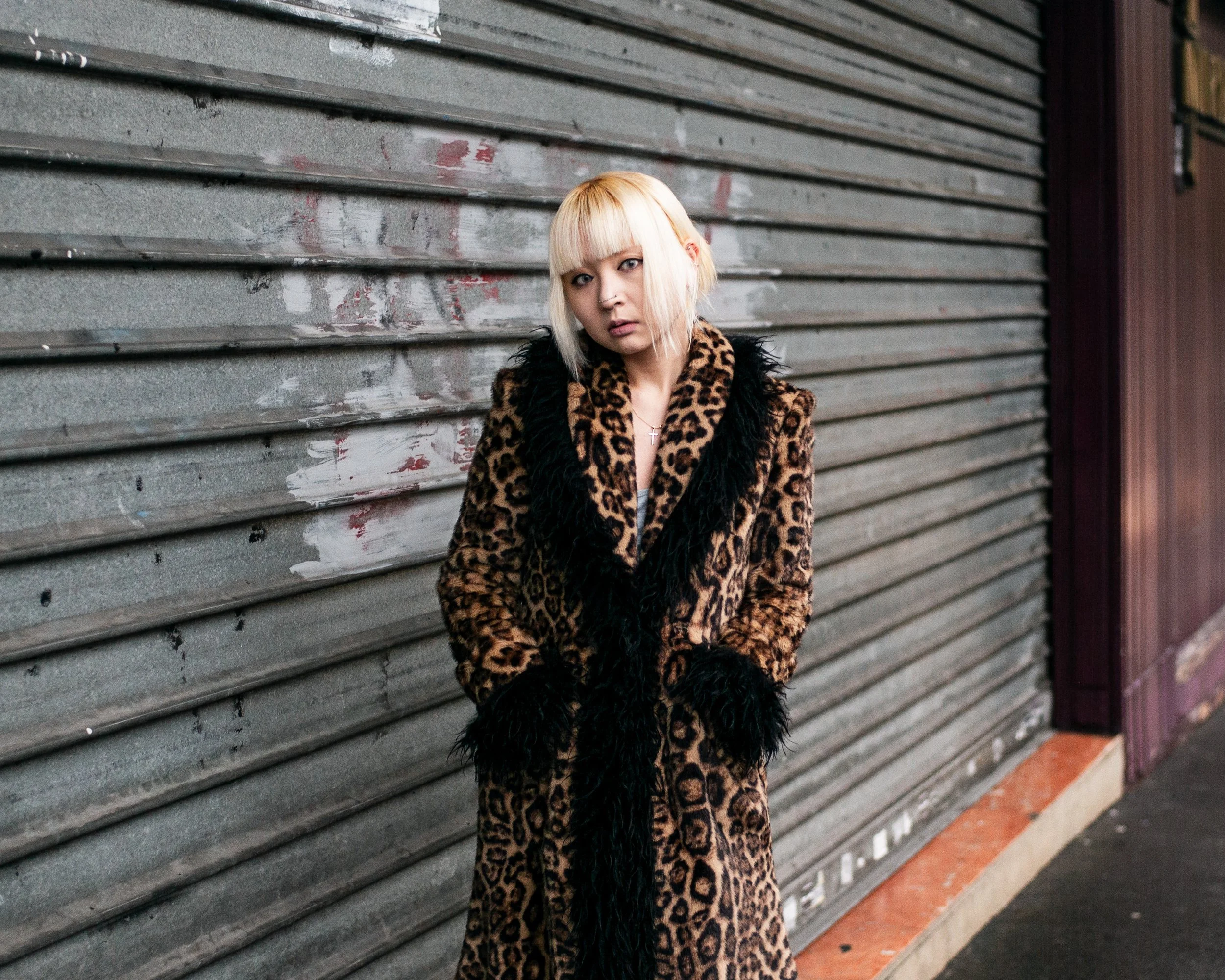
In this Preset Pack you get three Portrait Presets to import into your Adobe Lightroom. This preset pack is a starting point and the exposure slider should be used depending on your images exposure. To achieve images such as mine masking is advised to increase exposure to the eyes of the subject.
The Paul Reid Portrait Monochrome Sensor Preset should only be used on cameras with a monochrome sensor.
The Paul Reid Portrait Colour to Monochrome Preset is to achieve a similar look to a monochrome sensor camera.
The Paul Reid Colours Preset is to achieve my Colours in colour images.
This Preset Pack can only be used in lightroom.
Instructions
To use the presets, firstly unzip the Pack folder and save the files to a location on your hard drive you will be able to find again easily.
Open Lightroom and click on the presets icon. Click on the three dots at the top of the presets window. Click on Import Presets. Download each preset from the location you saved them to.
Select your image in lightroom. Click on Presets. Select the appropriate preset for your image.
Please watch this quick video to get the most out of them. https://youtu.be/01lOQO9GcQM
In this Preset Pack you get three Portrait Presets to import into your Adobe Lightroom. This preset pack is a starting point and the exposure slider should be used depending on your images exposure. To achieve images such as mine masking is advised to increase exposure to the eyes of the subject.
The Paul Reid Portrait Monochrome Sensor Preset should only be used on cameras with a monochrome sensor.
The Paul Reid Portrait Colour to Monochrome Preset is to achieve a similar look to a monochrome sensor camera.
The Paul Reid Colours Preset is to achieve my Colours in colour images.
This Preset Pack can only be used in lightroom.
Instructions
To use the presets, firstly unzip the Pack folder and save the files to a location on your hard drive you will be able to find again easily.
Open Lightroom and click on the presets icon. Click on the three dots at the top of the presets window. Click on Import Presets. Download each preset from the location you saved them to.
Select your image in lightroom. Click on Presets. Select the appropriate preset for your image.
Please watch this quick video to get the most out of them. https://youtu.be/01lOQO9GcQM